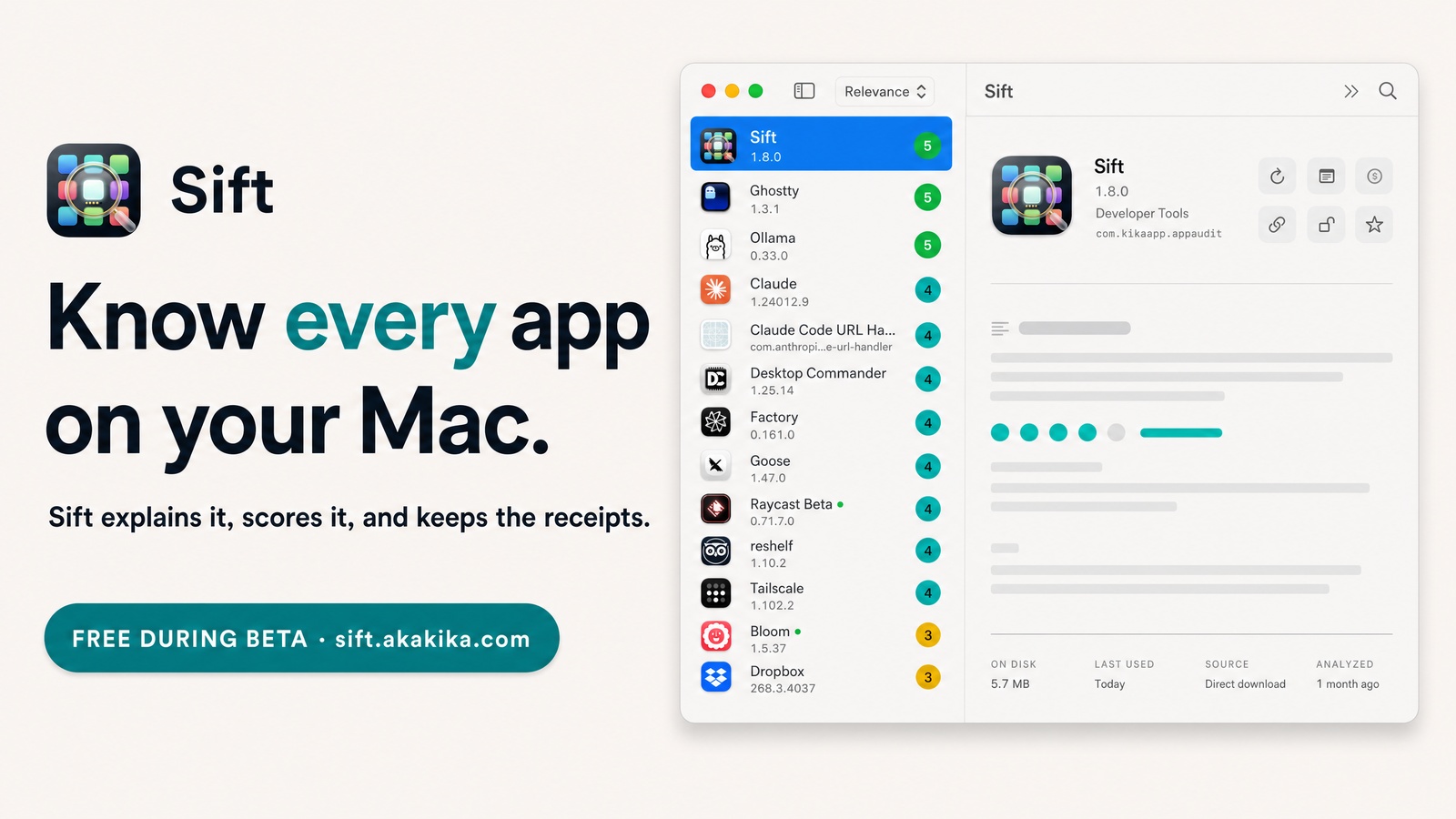
Sift is my macOS app auditor: what each installed app is, whether it earns its place, what it costs, what needs updating. Version 1.12 is about the last part.
It learned a fourth place updates live (GitHub releases), it now says what every app is built with, and for apps that update themselves it just opens them instead of handing me a download to swap in by hand.
Most of the ideas came from reading another developer's open-source updater, and that is credited in the repo.
The friction
Sift knew three places to look for updates: the App Store, Homebrew, and an app's own Sparkle feed. A lot of the small apps I run come from none of those. They are direct downloads from a GitHub releases page, and in Sift they all read as "unavailable".
The second annoyance: when Sift did find a Sparkle update, the button opened the download. Then I had to quit the app, drag the new copy over the old one, and reopen it. The app has its own updater that does all of that in place. Sift was ignoring it.
Why I built it
I tried DuoUpdater, an open-source macOS updater, and my reaction was, more or less, "this is insane, what can we take from it". It made Sift's update tab look thin.
Sift is an auditor, not an updater. The answer was never to copy the engine.
So I borrowed the ideas that fit an auditor and kept them small: GitHub as an update source, what an app is built with, and what a version number actually means. Each piece was tested against my real Applications folder before it shipped.
Around the same time someone pointed out that nowhere except GitHub did it say Sift needs a model for its analysis (Ollama, or an API key). They were right. The site says it now. The real fix is bigger than a sentence, and it is what the next version is for.
What it does
- GitHub releases as an update source. Save a GitHub repo as an app's link and the repo's latest release answers the update question. No drafts, no betas, no
nightlytags, and a Mac App Store copy is never answered by GitHub. - No rate limit to run into. GitHub allows 60 API calls an hour without a token, and even a "nothing changed" reply spends one. So Sift does not call the API at all: it reads where the repo's
/releases/latestpage redirects to, and the tag is right there in the address. Thirty real checks took about two seconds. - Open app to update. For an app with its own Sparkle updater, the button opens the app so it installs the update in place. The download is still there as a quieter second button.
- Built with. A new fact under every analysis: Electron, Tauri, Flutter, Qt, Java, Chromium, Mac Catalyst, or native. It is read from the app bundle alone, nothing is run. On my Mac: 100 apps in 0.06 seconds, 13 of them Electron.
- Build-number updates. Some apps ship a new build under the same version number. Sift now finds those and shows them as
1.0 (390). - Versions read the way a person reads them.
2.0.0no longer counts as newer than2.0, and1.2.3-betano longer counts as newer than1.2.3. - A quiet license note. A paid app about to jump a major version gets one line: the current license may not cover it.
The hotfix
1.12.0 crashed about fourteen seconds after launch, on my own Mac, right after I updated.
Two installed apps shared one bundle ID (an app and a test copy of it), and one had a saved GitHub link. The wider update check put that pair into one batch for the first time, and an older piece of code built a lookup keyed by bundle ID. Swift stops the program on a duplicate key.
I missed it because I tested in a side build with empty data. The fix took minutes, plus a test that reproduces the exact crash. 1.12.1 ran as the real build against my real data before anything was published, and that check is part of every release now. 1.12.0 was live for about an hour.
Where it is now
Sift is at 1.12.3. Two more fix releases followed on 14 October, both about license keys: a key now stays locked until you ask for it, and revealing, copying or removing one asks for Touch ID.
Free during the beta, MIT, macOS 14 or newer, Apple silicon. The analysis needs a model: Ollama on your Mac, or an Anthropic, OpenAI, Gemini or OpenRouter key (Gemini and OpenRouter have free tiers). Scanning, licenses, updates and uninstall work without one.
Next, for 1.13: an analysis that works out of the box, so nobody meets Ollama as a wall, and real in-place updates, with the old copy moved to the Trash as the way back.
Sift 1.12.3
Free during the beta, MIT. macOS 14 or later, Apple silicon. Or in one line: brew install --cask aka-kika/tap/sift