the confession first, because it is the whole story: i forgot to ship it.
not “didn’t get around to.” forgot. for months i opened sift the way you open a window, without ceremony, without remembering there was ever a first time. then one day i caught myself recommending it to a friend from memory, as if it were already out. it was not out. it had never been out. it had just been mine.
today it is. sift is out, free during the beta, and the rest of this post is the story of why it took me four months to notice i had something to give away.
the tool for an audience of one
i never meant to build products. i build tools for myself because nothing on the market fits the way my brain works, and sift is the purest case yet.
my Applications folder had stopped being a folder. it was an archive of decisions made by past-me in collaboration with every installer i ever clicked. half of it arrived as a dependency of a dependency. i could not tell you what half of it did, or when i last opened it, or whether it was safe to let go of.
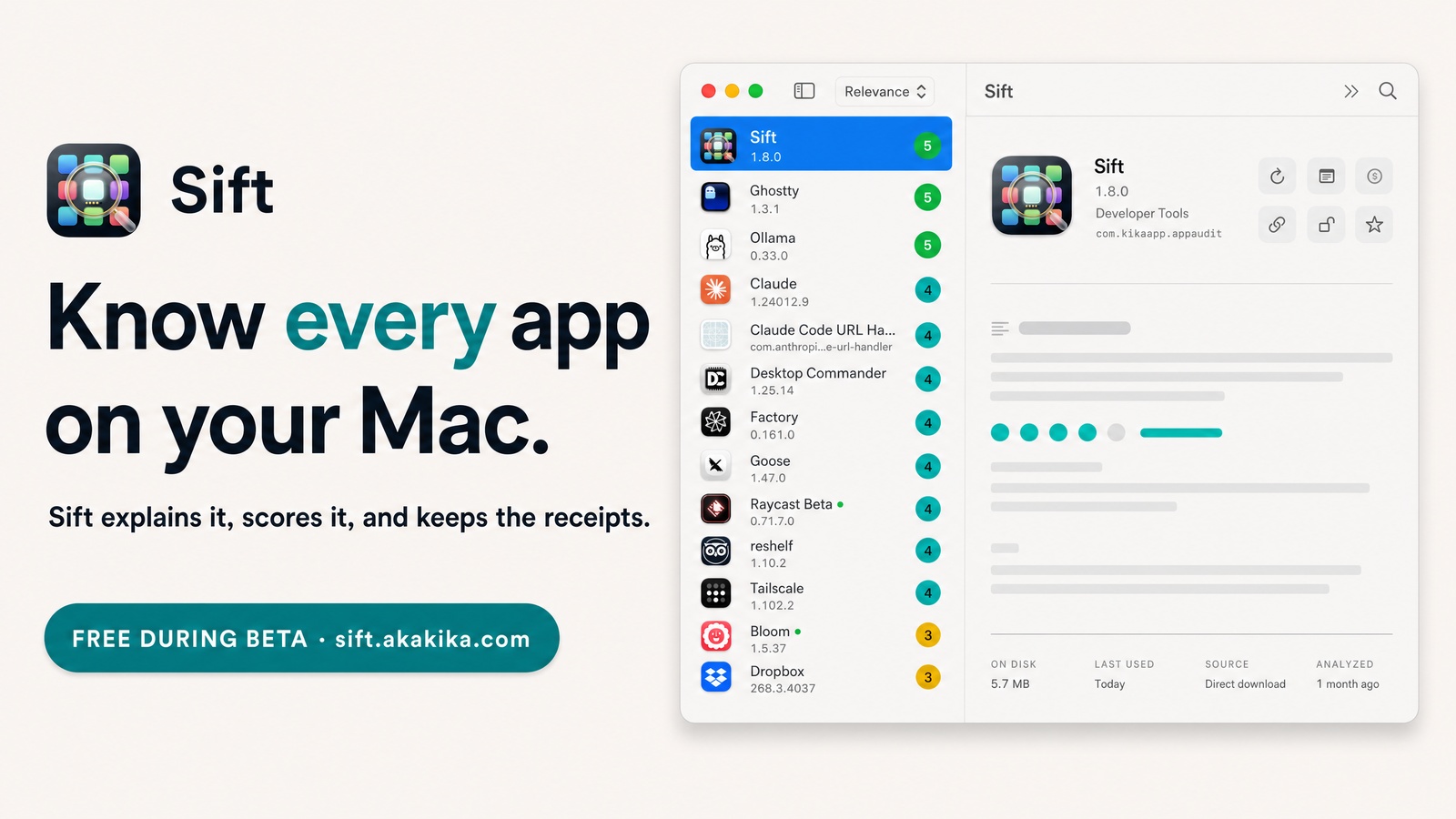
so i built the thing i wanted to exist. it reads your whole Applications folder, every version, every source, every byte. it tells you what each app actually is, in plain english. it scores how relevant it is to you, not to everyone else. and every claim comes with the receipt attached: on disk, last used, where it came from. “i use this all the time.” last used: never. the metadata settles arguments.
what four months of forgetting taught me
i wrote a line in my own notebooks years ago: the right tool disappears. sift is the first time the line applied to something i built myself.
sift never deletes anything. it audits, scores, and recommends. when you do let an app go, it sends the bundle and its leftovers to the Trash, where you can still change your mind, and the licence record stays in the vault. that restraint is why i trusted it by week two and stopped thinking about it by week six. it became inventory, not homework. one afternoon, quarterly, and the folder never gets away from me again.
the tool that disappears is the finished tool. and the finished tool that disappears does not remind you it could exist for anyone else.
what sift does, in three lines
- explains. every app gets a plain-english answer to “what is this?” and “what is it good for?”, written from real evidence: the app’s own metadata, your notes, the maker’s page. no bundled catalogue of known apps, no guessing off the name.
- scores. a 1 to 5 relevance score measured against your own machine: what you have installed, what you opened recently, what is running now. the same app can be a 5 on my Mac and a 2 on yours.
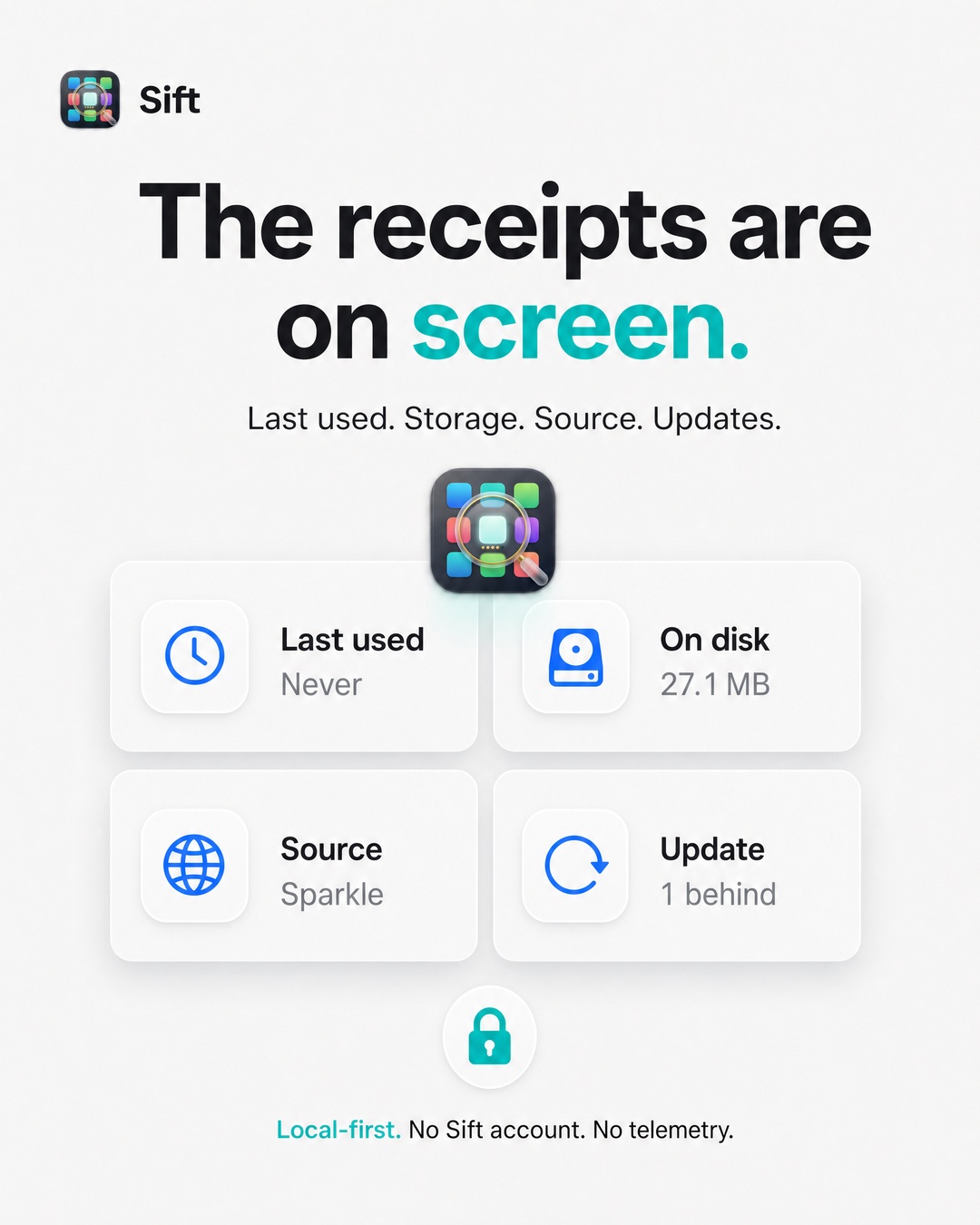
- keeps the receipts. last used, disk space, install source, updates from the App Store, Sparkle, and Homebrew. licences and subscriptions in one vault, keys in the macOS Keychain behind Touch ID. analysis runs locally on Ollama by default. no Sift account, no telemetry.
what this means for the people who use what i build
sift is out today. during the beta it costs nothing. download it from sift.akakika.com, or install it with Homebrew: brew install --cask aka-kika/tap/sift
it needs macOS 14 or later and Apple Silicon. the source is on GitHub. if it ever gets a price it will be a one-time one, and everyone who was here for the beta hears about it first.
what i hope it gives you is the thing it gave me by accident: an honest inventory of the machine you actually live in, in one sitting. keep, update, delete, with the receipts on screen.
if the tool disappears on you too, that is the review i want.
made by kika.
sift is out today
free during the beta. macOS 14 or later, Apple Silicon. or in one line: brew install --cask aka-kika/tap/sift