Andrej Karpathy described a loop that is obviously right: pour raw sources in, let a model compile them into a wiki, let the wiki compound over time.
I agreed with it for months and did not do it. Not because the model part was hard — because there was no surface. Every capture was a small decision about where the thing should go, and every compile was a script I would have to remember to run. So things stayed in tabs, in Downloads, in a note called to read.
RawDrop is just that missing surface. Two jobs, nothing more.
Capture
It lives in the menu bar, no Dock icon. Drop a file, a link, an image, a PDF — or press ⌘V while the popover is open — and it lands in your vault's Knowledge/raw/ folder.
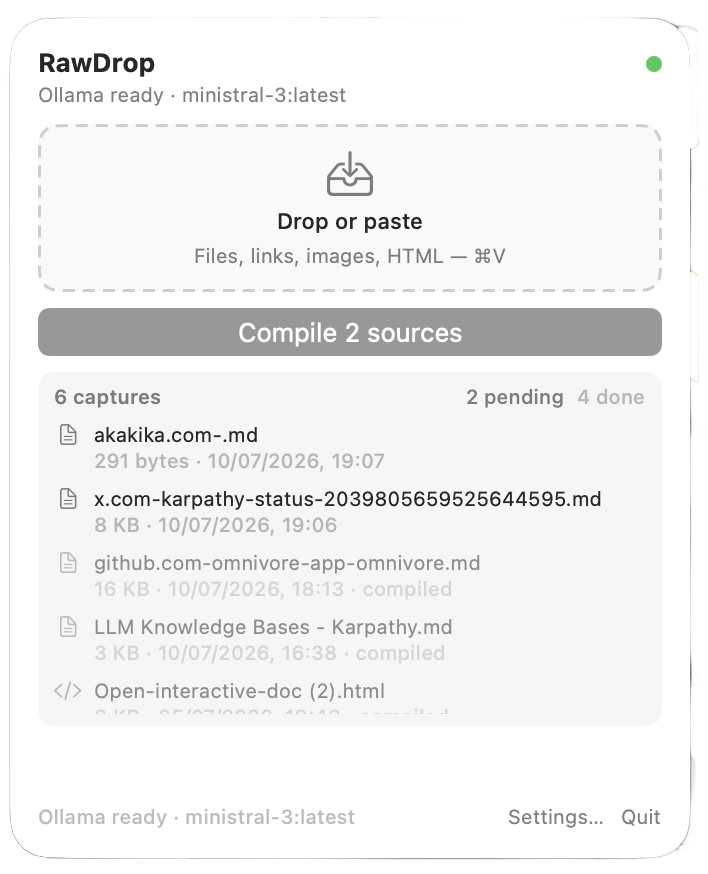
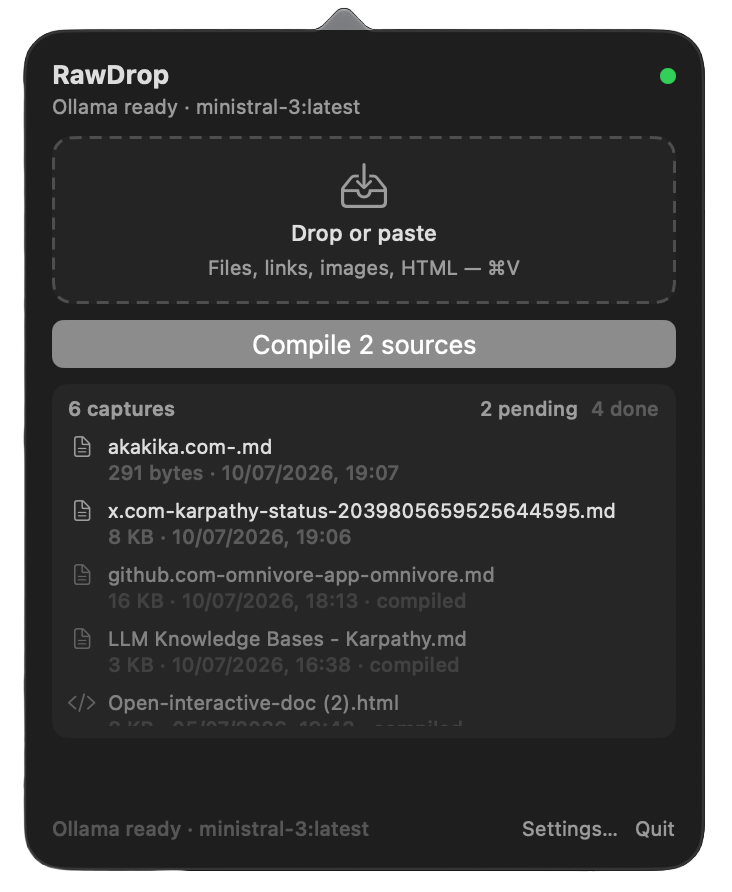
Things are copied, never moved, never overwritten. A collision becomes 2, 3. raw/ is append-only by design, because the one thing worse than not capturing something is capturing it over the top of something else.
Compile
One button. For every raw file it has not already processed: chunk, summarise via a local Ollama model, and write linked concept articles under Knowledge/wiki/ with origin frontmatter, updating the index.
What it has already seen is tracked by content hash, so pressing Compile twice does not redo the work, and re-adding the same source does not produce a second article. That detail is what makes the button safe to press without thinking, which is the entire point of having a button.
The output is plain Markdown in a folder you already own. If the app disappeared tomorrow, you would still have everything.
The parts I care about
Process state lives outside the vault — in Application Support, not in Knowledge/. The vault stays a folder of Markdown and nothing else. No app database wedged in among the notes.
Recompile preserves your writing. Every article carries lean origin frontmatter, and a hybrid recompile keeps your own ## Human sections and anything marked <!-- rawdrop:protected -->. A generated wiki you cannot annotate is a wiki you stop trusting.
Local by default. Ollama at localhost:11434. Ollama Cloud is available if you want it, with the key in the macOS Keychain — but nothing needs to leave the machine.
Where it is now
v0.3.8, signed and notarized, universal. In use on my own vault.
You need Ollama running before the first Compile, and you need to point it at a knowledge root. That is the whole setup.
Small on purpose. It does not write your wiki for you. It removes the two excuses that kept me from starting one.
Try it
A macOS menu bar app that catches what you drop and compiles it into a linked wiki with a local model. Free, open source.