I make app icons in batches. Renders, variations, half-ideas. They pile up as Img 1044, mj var3 and ChatGPT Image ..., each one with the wrong corners and only one size. Finding the blue one from last month meant scrolling a folder of hundreds of files. Getting one ready for an app meant cropping, resizing and renaming by hand, every time.
So I built iconzzz, for the simplest reason: to get control over my icon ideas, and to have an icon ready for my app, easily and fast.
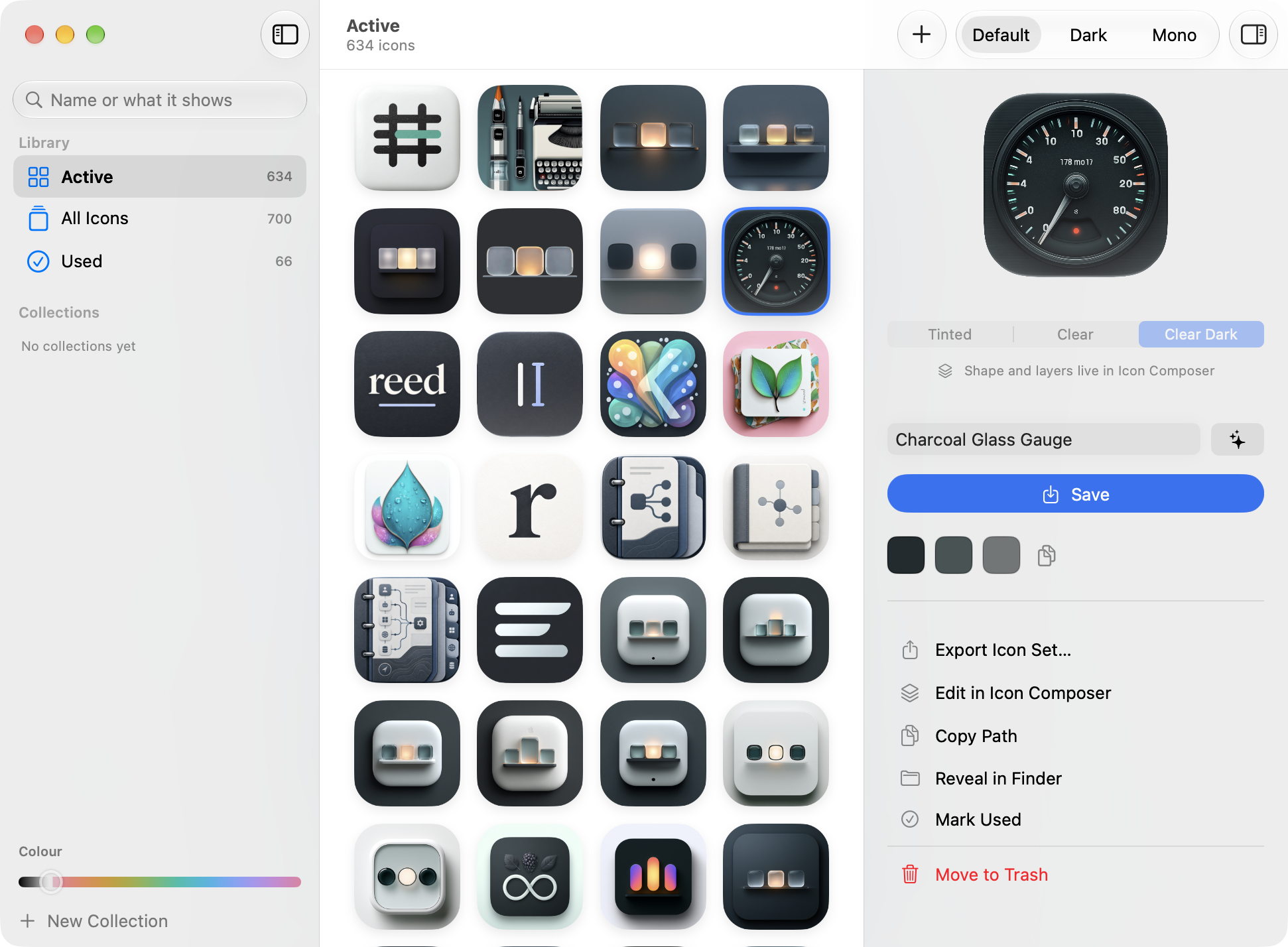
The idea
One folder, one window. Drop icons in, get the right shapes and sizes out, and don't think about it again. The folder on my Mac is still called send-and-forget.
Even if I change the icon ten times, it is faster than doing by hand, once, what the app does.
What it does
- Crops to Apple's shape. Drag, zoom and round each icon in a live preview drawn as Apple's squircle. The original is always kept, so any crop can be redone months later.
- Names icons after what they show. Apple Intelligence looks at the artwork, on the Mac:
046 mj app d25719becomesGolden Mask Figure. A whole library renames in one pass, and one Undo puts it all back. - Finds anything. By name, by a name it used to have, by what it shows, or by colour. Slide to green and you get the leaves.
- Collections. Your own groups in the sidebar. Drag icons onto them.
- Exports a ready set. An Xcode app icon set, an
.iconsetand an.icns, every size from 16 to 1024.
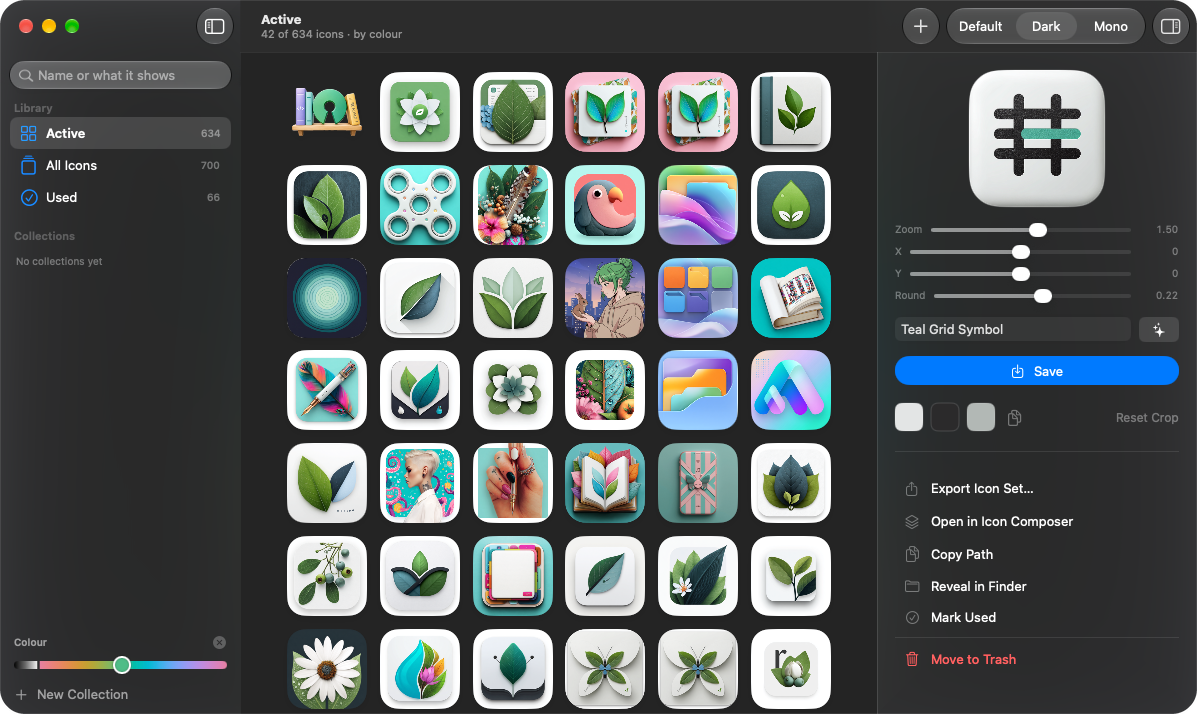
Icon Composer, both ways
This is the part I use most now. Any icon opens in Apple's Icon Composer as a .icon document. Change the glass, the layers, the dark look, then save. iconzzz notices the save and renders the icon back into the library in all three looks macOS uses: Default, Dark and Mono. Space steps through them.
When an icon has a clear subject, iconzzz lifts it onto its own layer first, so Dark and Mono really look different instead of being the same picture, darker. I tested it with the new Icon Composer 27.2 beta, the same day iconzzz went public.
Nothing leaves the Mac
Cropping, naming, colour search and rendering all happen on your Mac. The library is one ordinary folder, ~/Pictures/iconzzz, with the icons, every size, the originals and one small file of names and crops. That file is backed up before every rename, trash or bulk change.
Why it is public now
I have used iconzzz for almost a year, only for myself. My library has about 700 icons in it. It changed how I work, and I never thought of making it public. But why not. I want others to enjoy it like I do.
Where it is now
Version 0.8.2, released 17 October (release notes). Free and open source under MIT, signed and notarized, for Macs with Apple silicon on macOS 26 or newer. Naming with Apple Intelligence needs macOS 27 with Apple Intelligence on; without it, names come from the file names. The Icon Composer part needs Icon Composer, a free download from Apple. It is still young in places: there are no automated tests yet, and restoring a backup is a copy by hand. If it does something odd with your icons, I'd like to see it.