I made this app to win a bet with my mother. That was the whole plan.
Then I kept opening it. Somewhere along the way it became an app I use every day myself, which was not part of the bet.
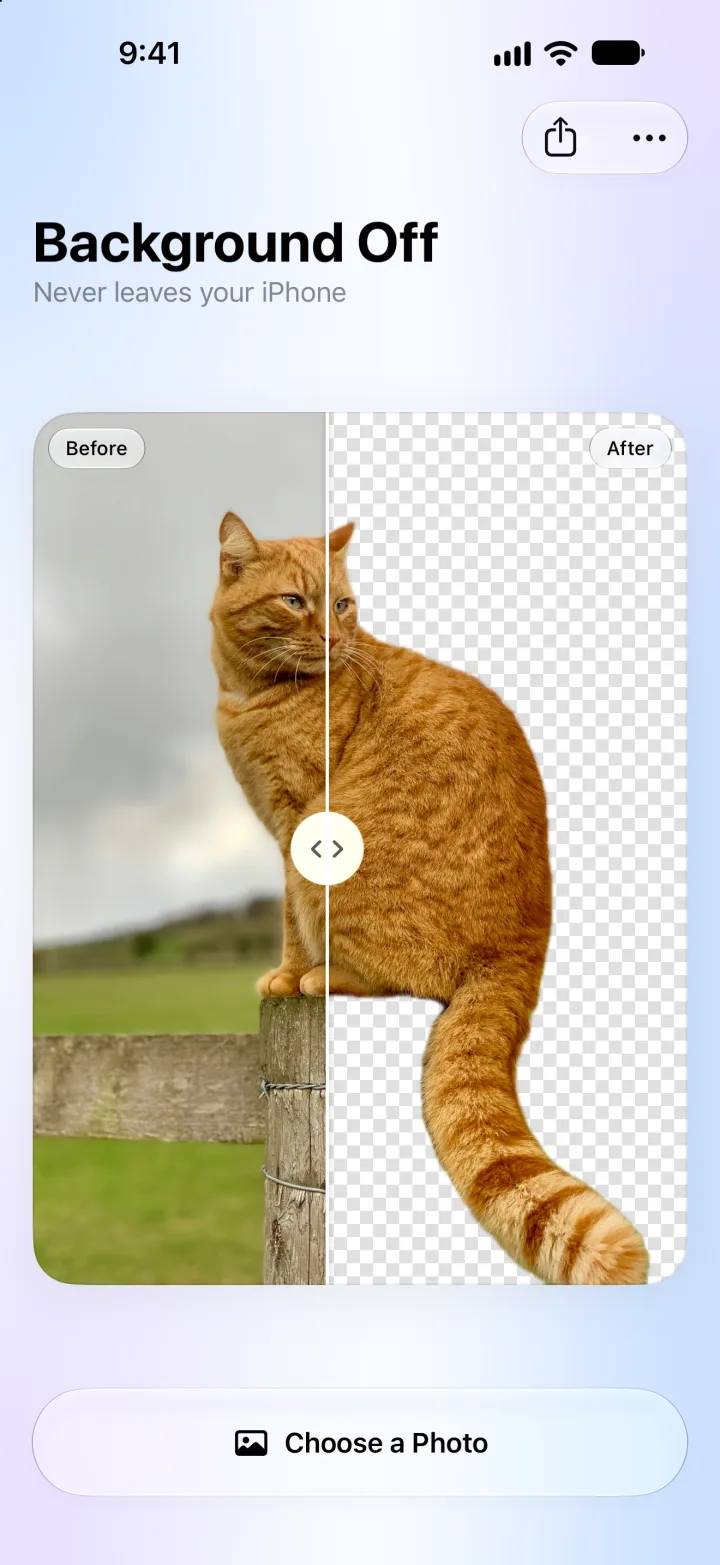
Background Off removes the background from a photo, right on your iPhone or iPad. Pick a photo and the background is gone. Drag the line to compare before and after, then save a transparent PNG or share it anywhere.
The idea
Cutting out a cat should not mean uploading the photo to someone's server. The iPhone already knows how to do it: hold a photo in Photos and the subject lifts off.
So Background Off uses that same built-in cutout from Apple's Vision, on the device, and puts it on one calm screen. One photo, one slider, one tap to save.
What it does
- One tap, background gone. Pick a photo from your library or from Files, or drag one in on iPad.
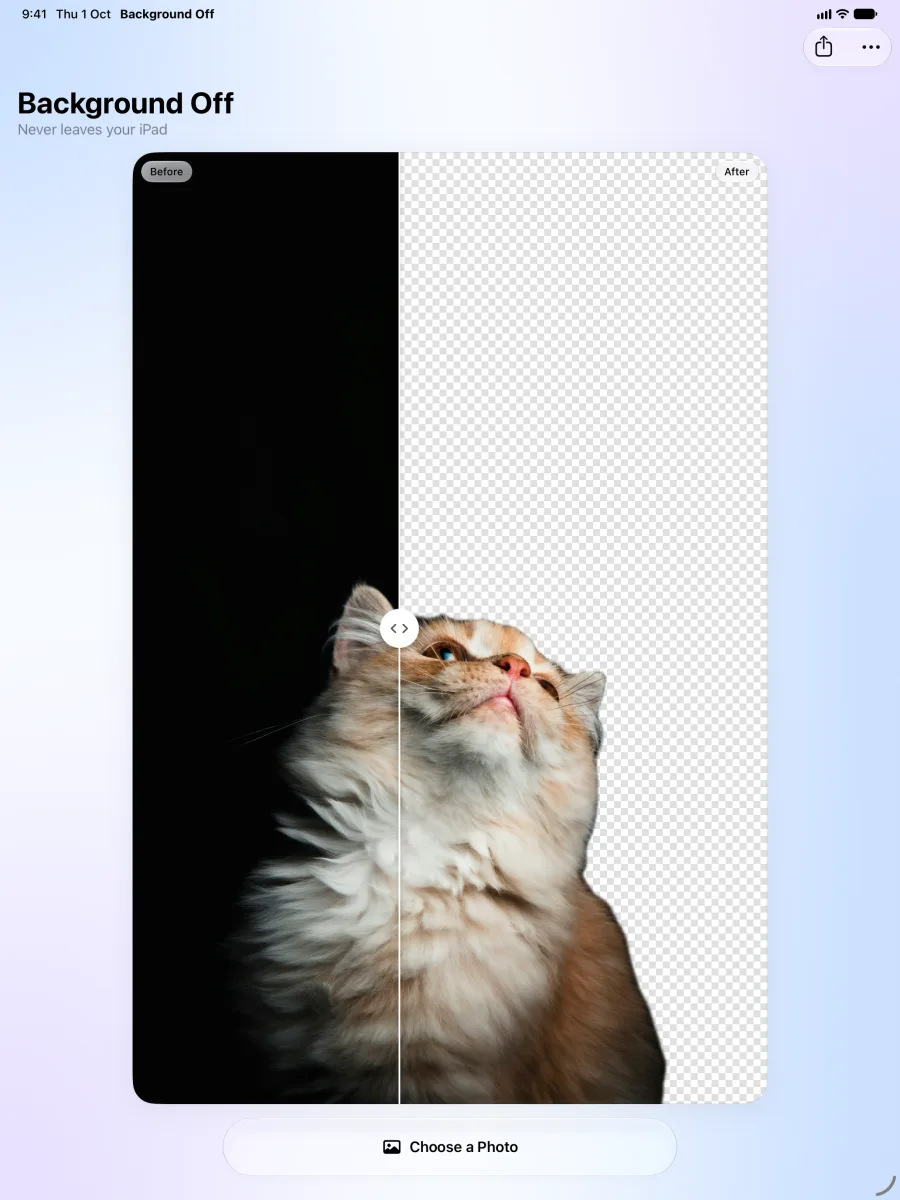
- Before and after. Drag the handle across the photo to compare the original and the cutout.
- Clean edges. No halo of the old background is left, even on fur and hair.
- Transparent PNG, or on white. Drop the PNG into Keynote, Canva, a story or a sticker. Or save it on white for shop listings.
- Save, Copy or Share in one tap.
- iPhone and iPad, in English and Hebrew.
How it works
The photo never leaves the device. There is no server to send it to, so the app also works in airplane mode. No account, no tracking, no ads.
The app keeps nothing. The cutout goes only where you save or share it. Picking a photo uses the system photo picker, which shares only the photo you choose, and the app asks to add to Photos only when you save.
Where it is now
Background Off 1.0 came out on the App Store on 20 October 2026. It costs $1.99, once. One purchase works on iPhone and iPad. No subscription. It needs iOS 26 or iPadOS 26 or later.
Get it on the App Store. More on akakika.com/backgroundoff.
Get Background Off
$1.99 once, for iPhone and iPad with iOS 26 or iPadOS 26 or later. Works offline, no account, no tracking.