Write in Markdown.
See it finished.
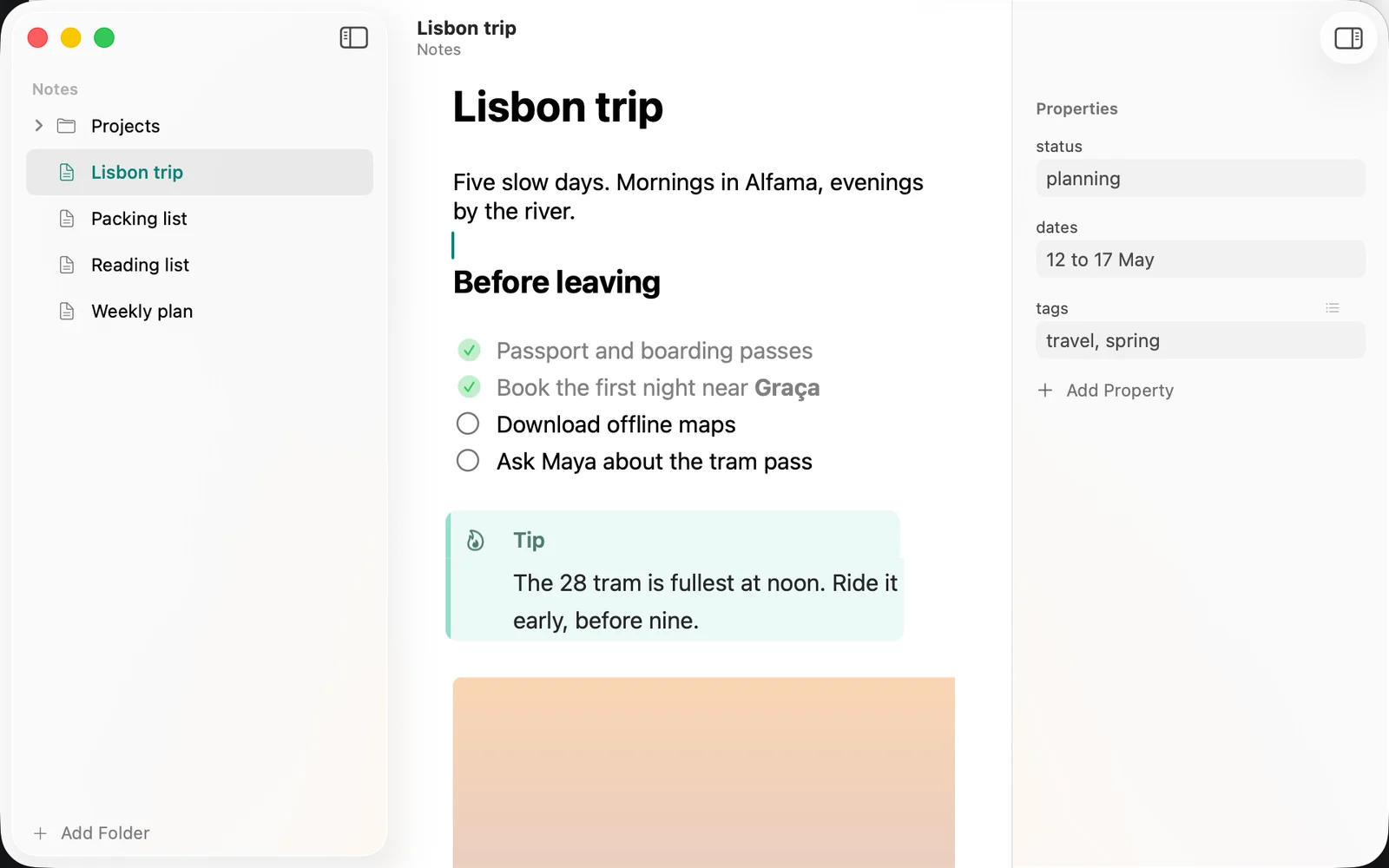
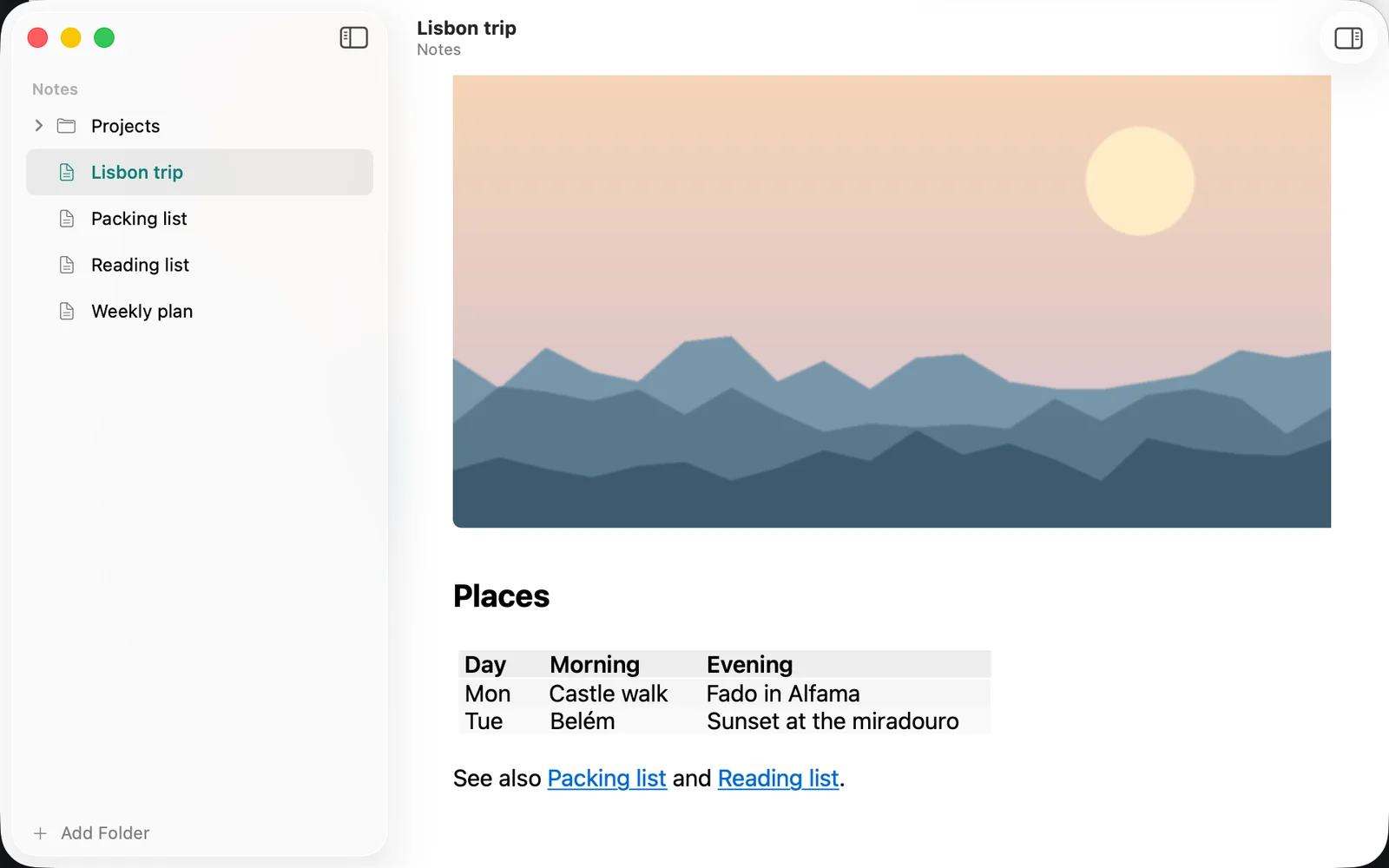
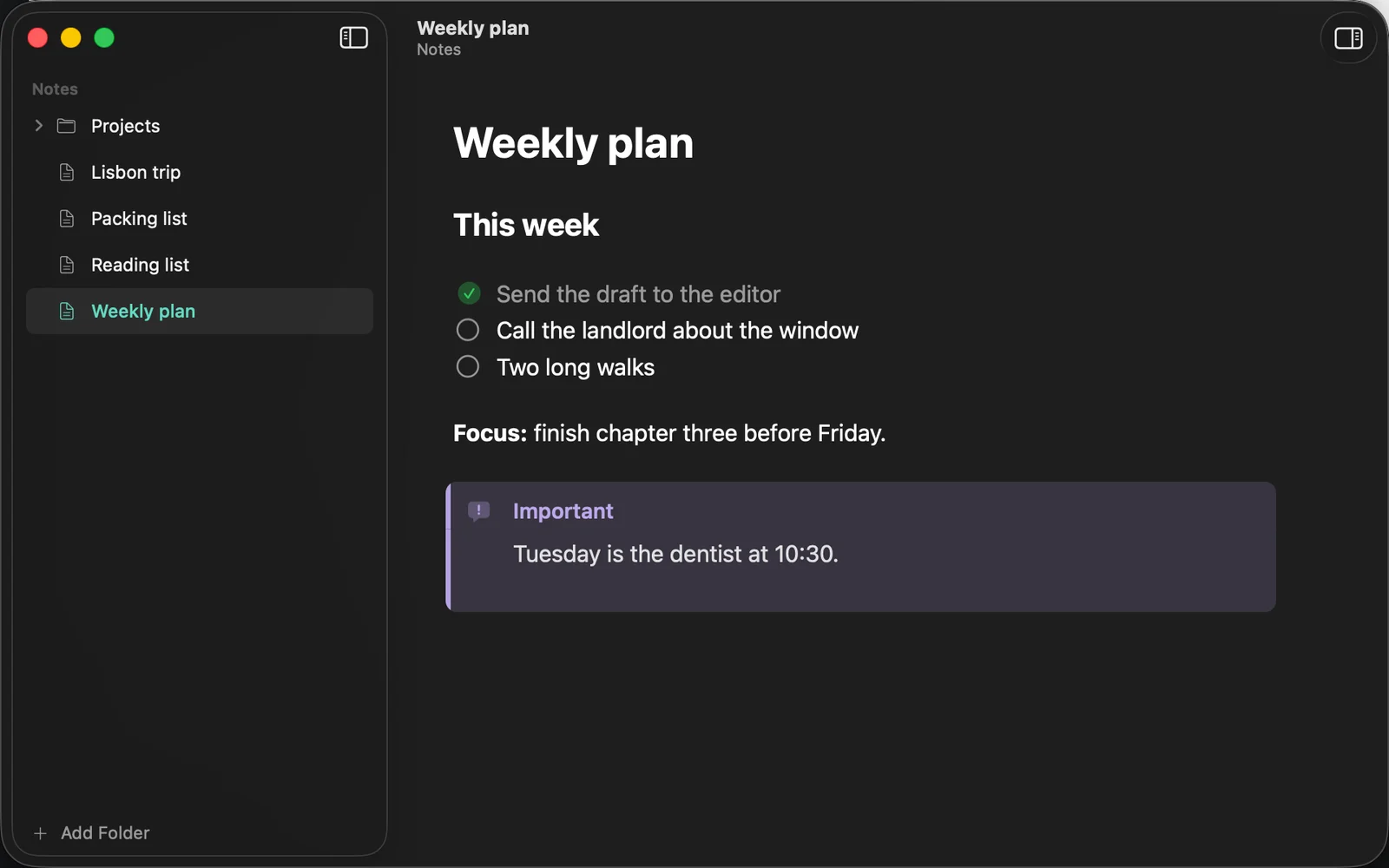
The notes in your own folders, edited in place in one calm Mac window. Every change saves to the file. Nothing leaves your Mac.
Coming soon to the Mac App Store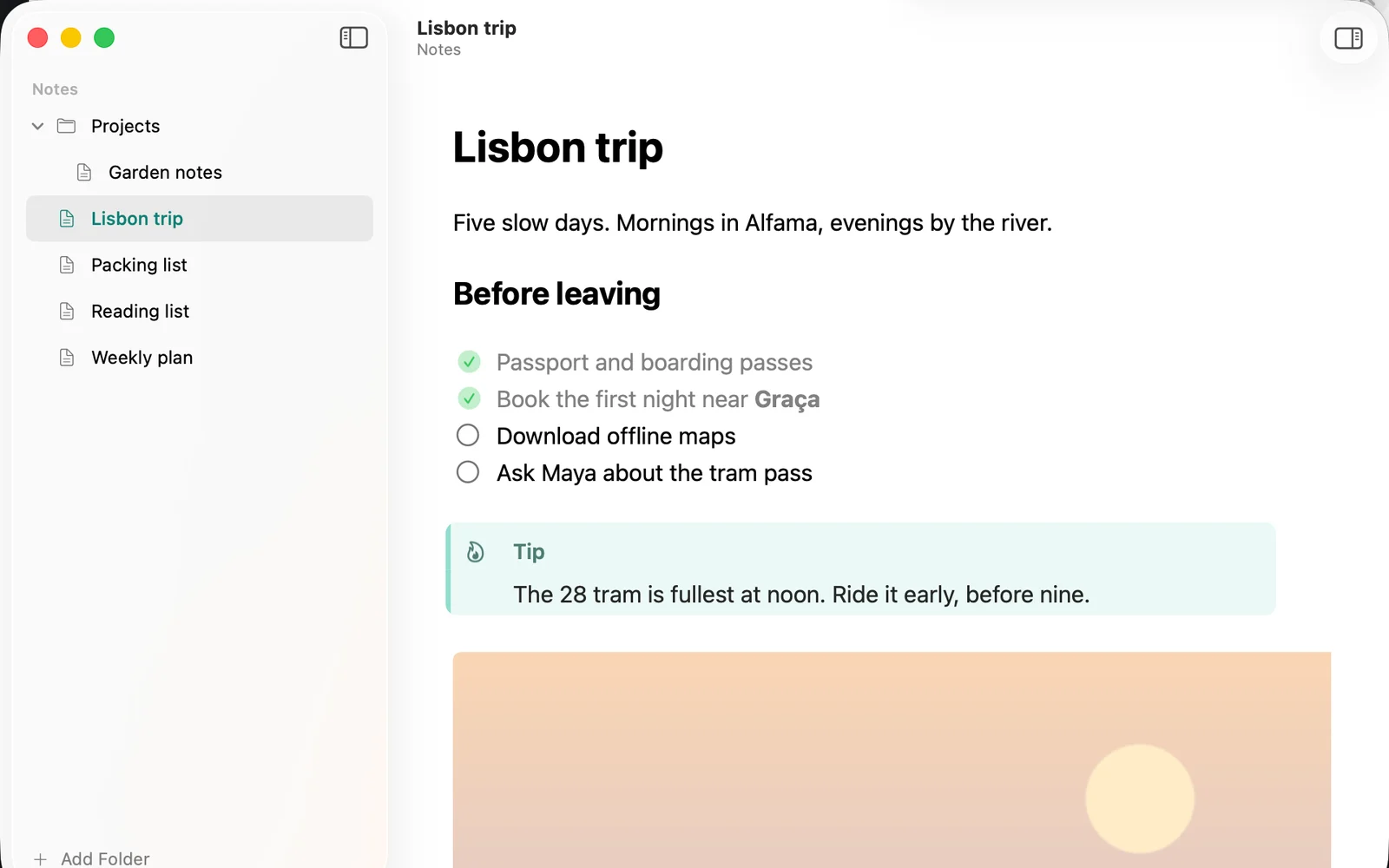
Why Localpen
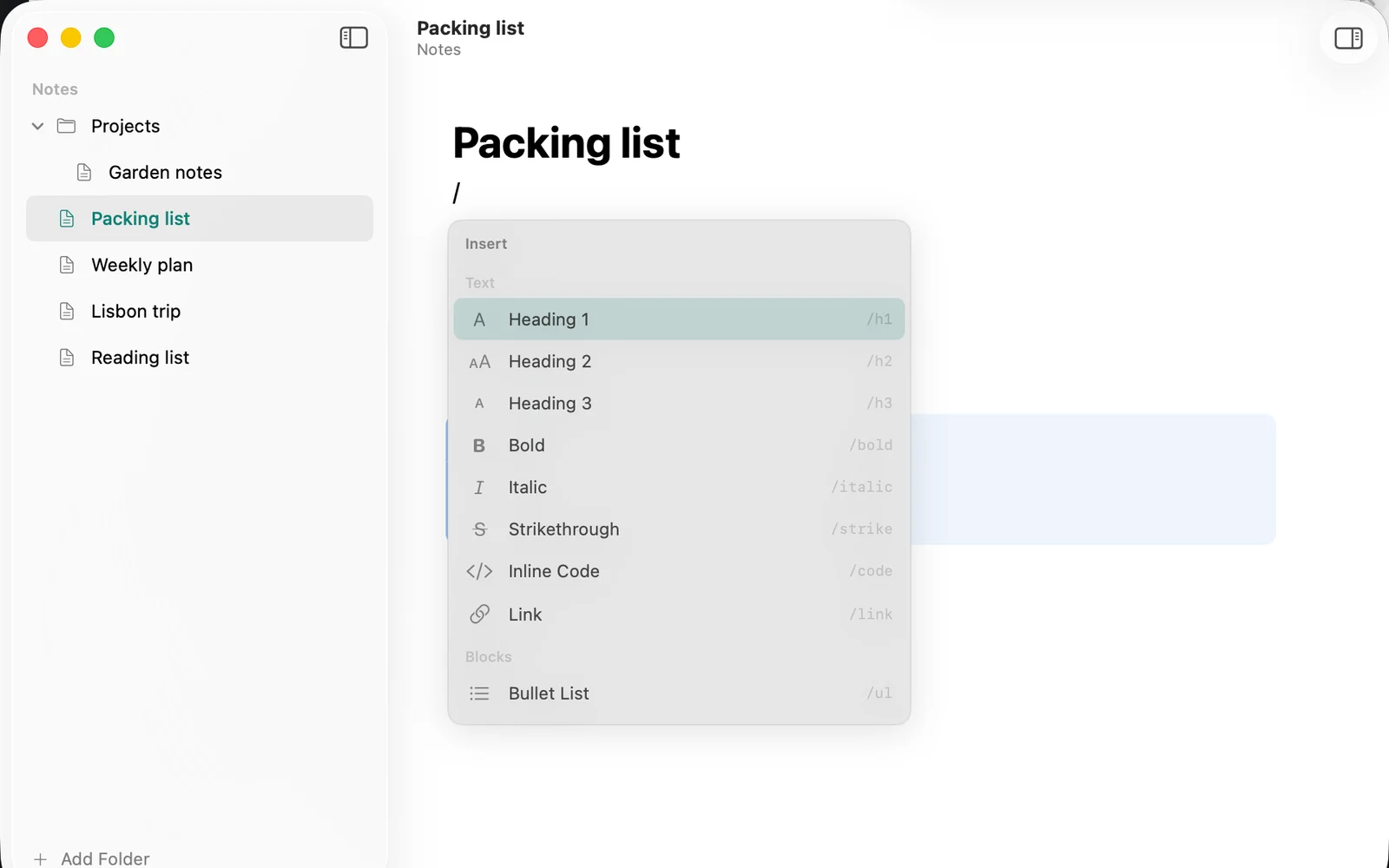
Markdown is the plain way to keep notes: simple text files that every app can open, and the format AI agents write in. Editing it usually means staring at the marks, the # and ** and - [ ].
Localpen folds the marks away the moment you leave a line, so the note reads the way it will look. Step back into a line and the Markdown is there to edit.
Your files stay files
Plain Markdown in your own folders. Open them anywhere.
Private
No account, no analytics. Nothing leaves your Mac.
Buy once
One purchase. No subscription, ever.
Get Localpen
For Mac, macOS 14 Sonoma or later.
Coming soon to the Mac App Store